
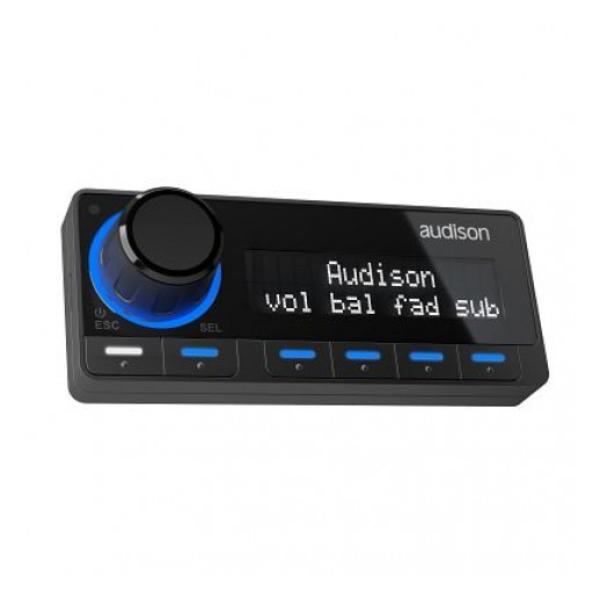

Description
82 DRCMP DIGITAL REMOTE CONTROL
During the installation phase, after converting the analogue signal into digital, BitTenD automatically reconstructs a digital full-bandwidth stereo signal; de-equalizes the frequency response and, if necessary, reconstructs the central and subwoofer channels. The user can configure the output mode of each channel relative to the installed system.
Features
Default Menu: Master Volume, Subwoofer Volume, Fader, Balance, Source selector (Aux 1, Aux 2, Digital Electric, Digital Optical)
DRC Settings: Keyboard colour, Keyboard brightness, Display brightness, Discreet screen, Main screen logo (through the DRC MP joystick)
DSP Memory: Audison compatible products memories selection
DSP Settings: Dynamic EQ, Bass Boost, AutoIN Level Adj
Player Menu: bit Play HD off delay.
Navi Command: navigation of bit Play HD (through the DRC MP joystick)